Stable release · v0.1.0 · digicyfr-opening-hours-pl
Opening Hours PL
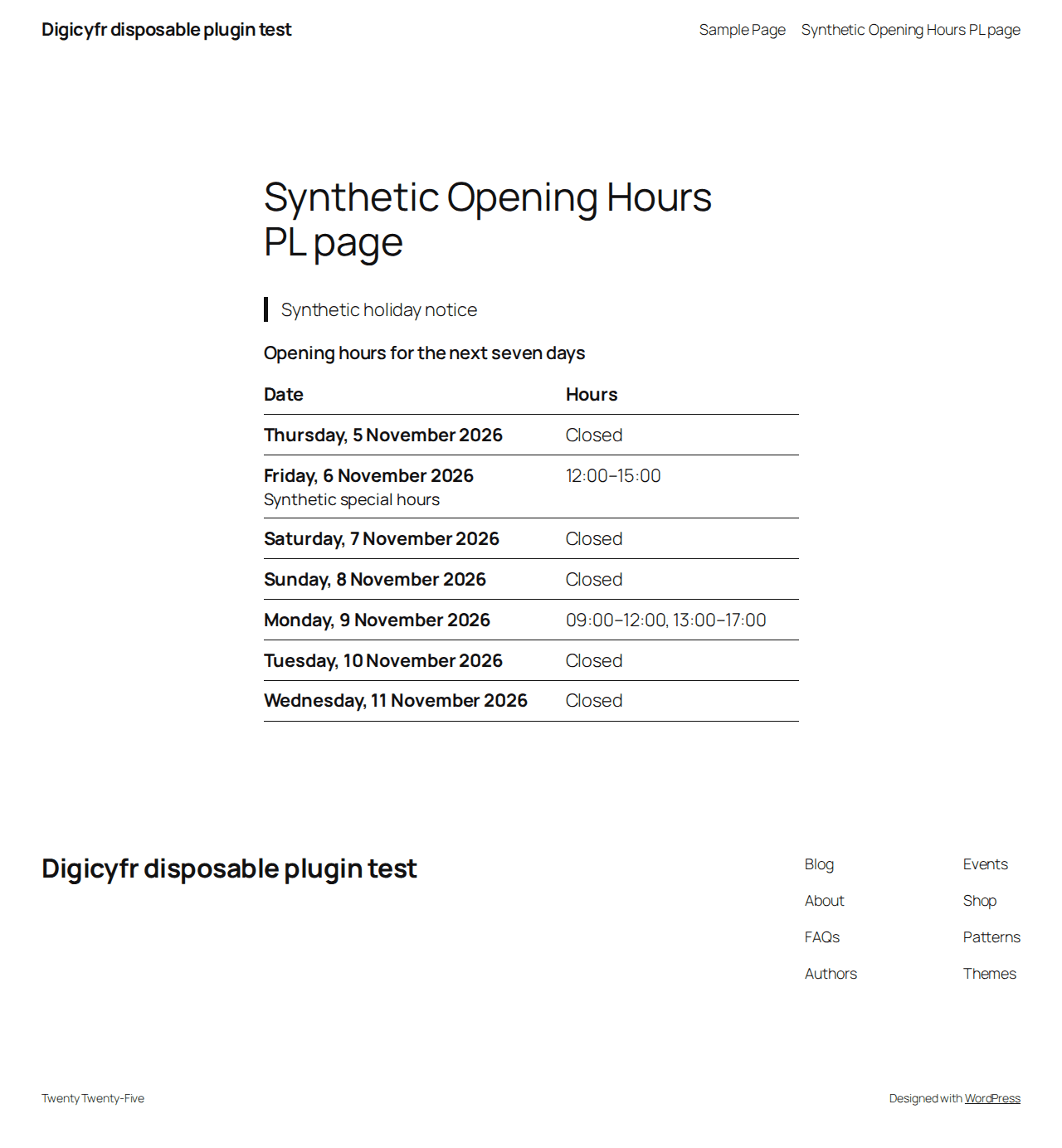
Show the next seven dates for one location from an owner-entered weekly schedule and exceptions.
Stable release. The ZIPs passed the checks described on each page. Review the plugin limits and test your own site before using a new plugin in production.
What it does
- Set up to four time intervals per weekday, dated exceptions and a temporary notice.
- Place the server-rendered block or [digicyfr_opening_hours] shortcode.
Getting started
Open Settings → Opening Hours PL, set the WordPress site timezone and schedule, then insert the block or shortcode.
Scope and limits
Holidays and trading Sundays are entered manually. It does not report live open/closed status. Cached pages need a short TTL or purge at local midnight.
Stored data and uninstall
The schedule and notice stay in a site option. Deactivation retains them; uninstall removes the option.
Verify the ZIP checksum, then upload it in WordPress under Plugins → Add New → Upload Plugin. Back up the site before updating. Updates are manual.
These plugins are distributed through GitHub. They are not listed on WordPress.org and do not have automatic updates.
- ZIP SHA-256
- ab3a1b0f326387c652ee3bd27d7fadc011d8738abec18eb0ae9ad1dbae3e4ea9