Stable release · v0.1.0 · digicyfr-image-alt-use-audit
Image Alt Use Audit
Find the alt value saved on each image use in published post and page content.
Stable release. The ZIPs passed the checks described on each page. Review the plugin limits and test your own site before using a new plugin in production.
What it does
- Distinguish missing, empty, whitespace-only, present and invalid alt values.
- Review a private filtered report and guarded CSV with source links.
Getting started
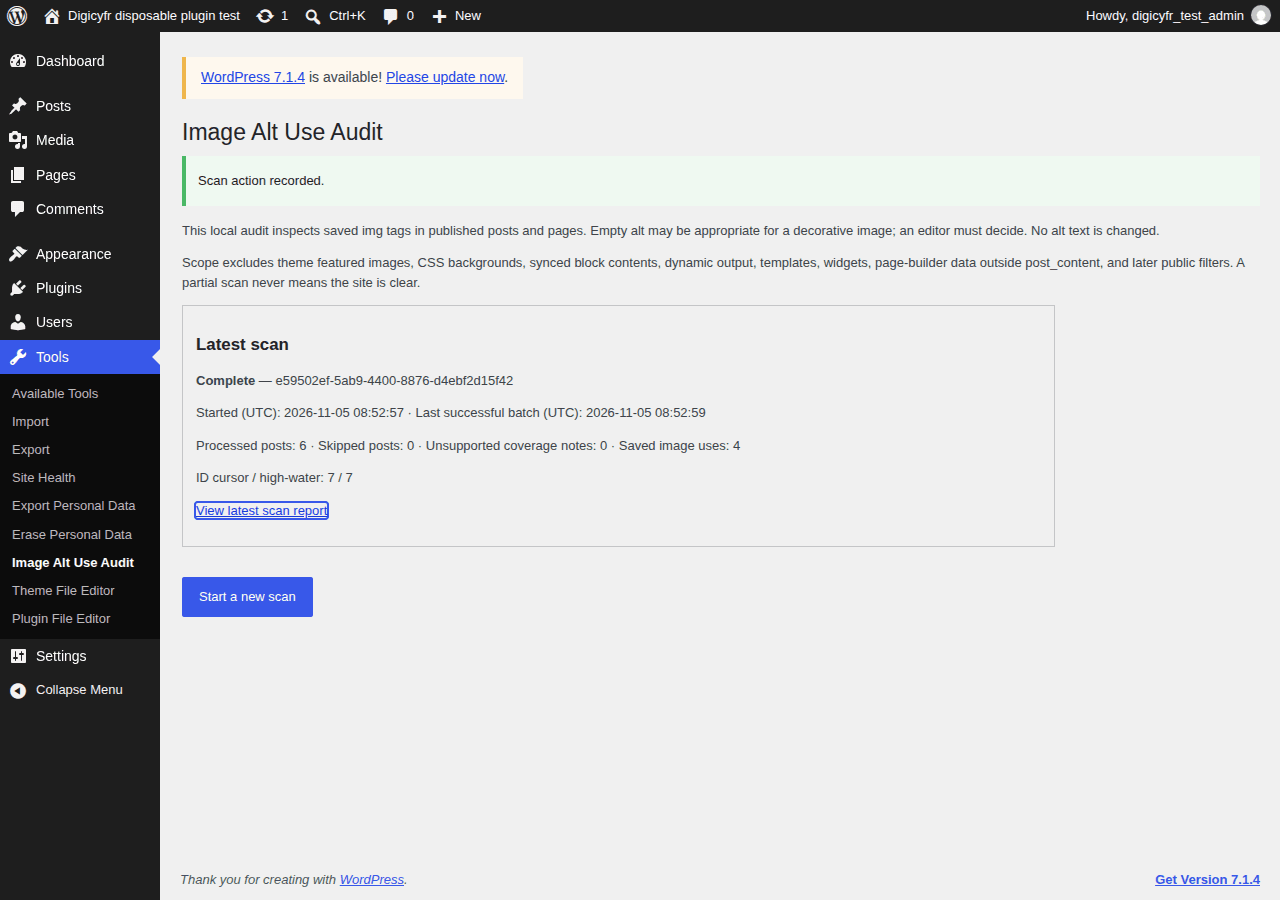
Open Tools → Image Alt Use Audit, start a scan and continue bounded batches before reviewing the report.
Scope and limits
Only saved post content is inspected. A blank alt may be correct for decoration; this is not an accessibility verdict.
Stored data and uninstall
Three private scan tables hold results and coverage. Deactivation retains them; uninstall deletes them.
Verify the ZIP checksum, then upload it in WordPress under Plugins → Add New → Upload Plugin. Back up the site before updating. Updates are manual.
These plugins are distributed through GitHub. They are not listed on WordPress.org and do not have automatic updates.
- ZIP SHA-256
- fcfe2ea4d925a078edfc722c27361bfbcc58ae0acee9d97c88c6b10c490e9385