Stable release · v0.1.0 · digicyfr-business-details-pl
Business Details PL
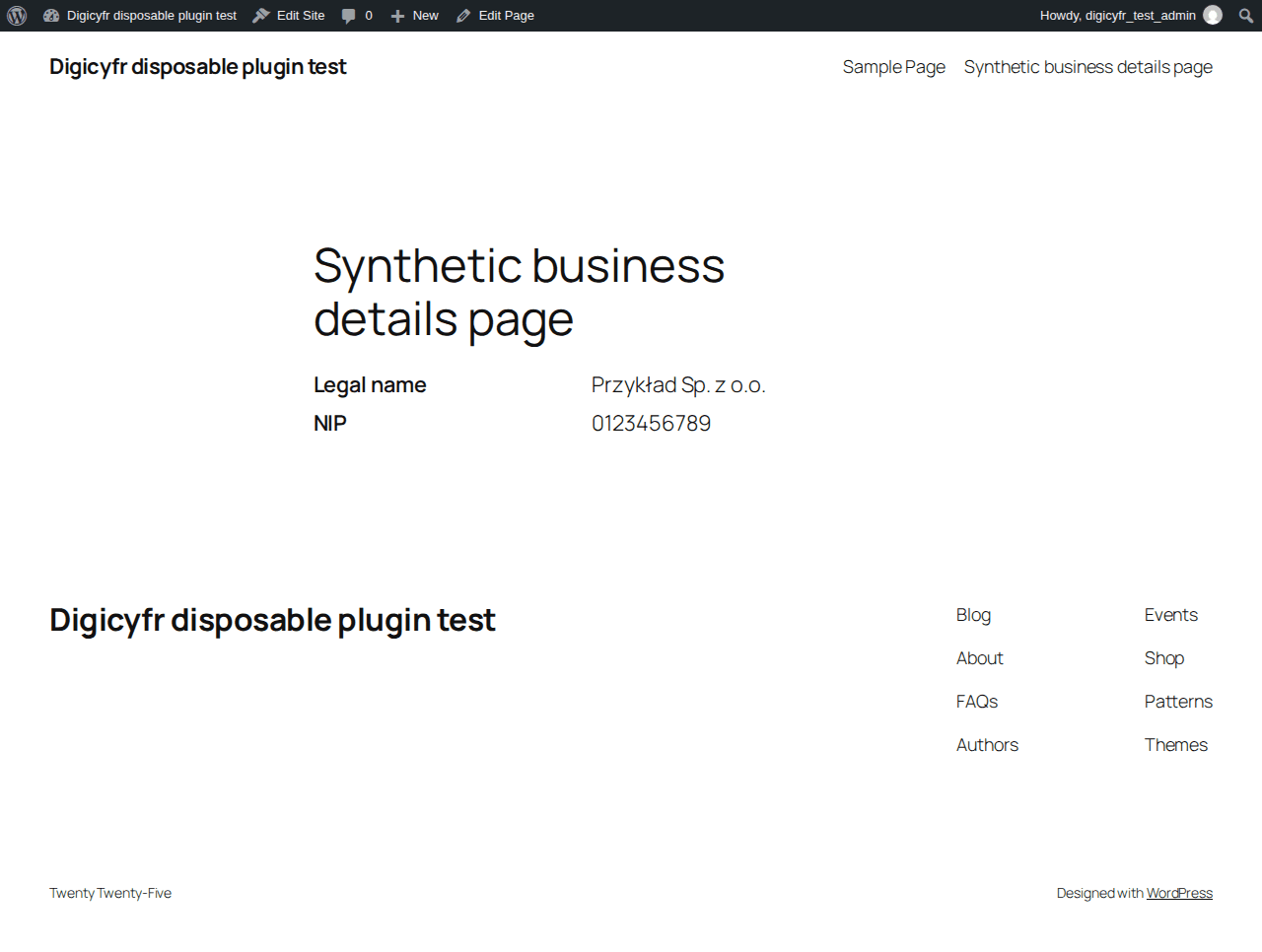
Publish selected business details through a WordPress block or shortcode.
Stable release. The ZIPs passed the checks described on each page. Review the plugin limits and test your own site before using a new plugin in production.
What it does
- Store a name, address, NIP and optional contact or register details.
- Choose which populated fields appear on each page.
Getting started
Open Settings → Business Details PL, enter only details you intend to publish, then add the Business Details PL block or [digicyfr_business_details fields="name,address,nip"].
Scope and limits
The NIP check covers format and checksum only. It does not verify a company, VAT status or legal disclosure.
Stored data and uninstall
One site option stores the entered details. Selected values become public where the block or shortcode is placed. Uninstall deletes the option.
Verify the ZIP checksum, then upload it in WordPress under Plugins → Add New → Upload Plugin. Back up the site before updating. Updates are manual.
These plugins are distributed through GitHub. They are not listed on WordPress.org and do not have automatic updates.
- ZIP SHA-256
- 91549cc23873085c24e728bfd030b038a8e1765ade3239c33d5c2e9f7519cb2c